

Izoxis
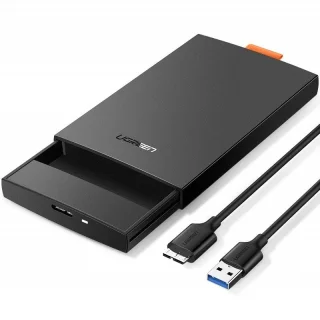
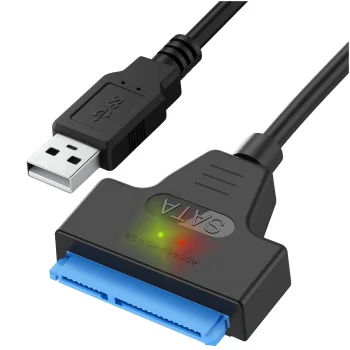
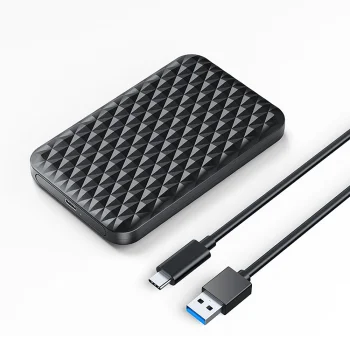
USB 3.0 to SATA Adapter Izoxis for 2.5" HDD and SSD Drives, Black
Delivery in 5–14 business days
6.90 €
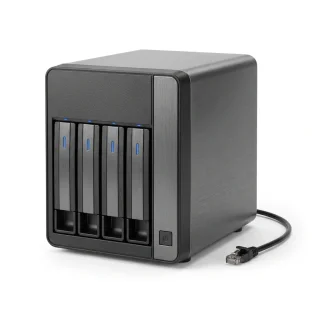
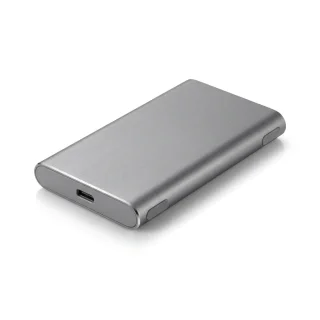
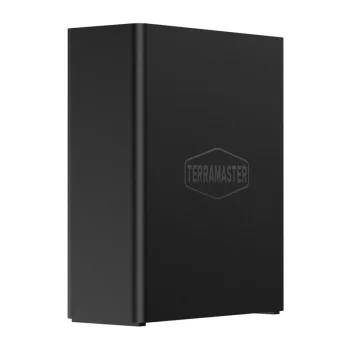
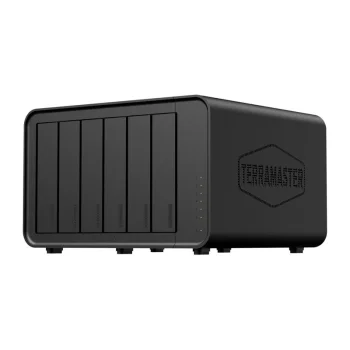
Data storage includes USB flash drives, external SSDs and NAS network storage, alongside HDD/SSD enclosures and adapters for connecting or mounting an existing drive. Start with the task: transferring files between devices, connecting a drive externally or storing data for access over a network.
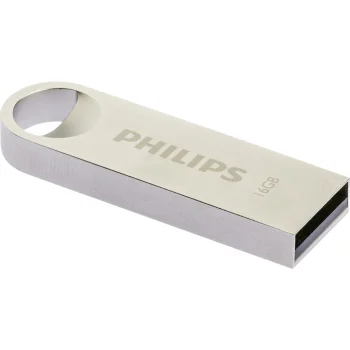
Decide whether you need a complete storage device or an accessory for a drive you already own. USB flash drives include options from Verbatim, Philips and Goodram, while Orico offers external drive enclosures.
Connector shape and USB version are separate considerations: flash drive options include USB 2.0, USB 3.0 and USB 3.1. For an enclosure, also check the drive’s physical size and SATA interface, not just the external USB connection.
+371 20408041
info@motivs.lv
Duntes 56, Rīga, LV-1005, Latvija
Monday: 10:00 - 19:00
Tuesday: 10:00 - 19:00
Wednesday: 10:00 - 19:00
Thursday: 10:00 - 19:00
Friday: 10:00 - 19:00
Saturday: Closed
Sunday: Closed


 Gudri pirkumi vienuviet