
BestsellerNew
USB Type C to Apple iPhone Lightning Cables and Adapters
52 products
USB Type C to Apple iPhone Lightning cables and adapters include charging and data cables from Baseus, Joyroom and Tech-Protect, alongside Puluz OTG adapters. They suit users connecting devices with USB-C and Lightning ports for everyday charging or data transfer. Choose according to connector type, cable length, stated power rating and the functions required for your particular setup.
New

-9%
Tech-Protect
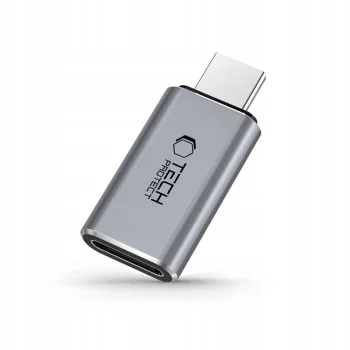
Tech-Protect UltraBoost USB-C (Male) to Lightning (Female) Adapter, Gray
In stock
9.30 €10.20 €
New
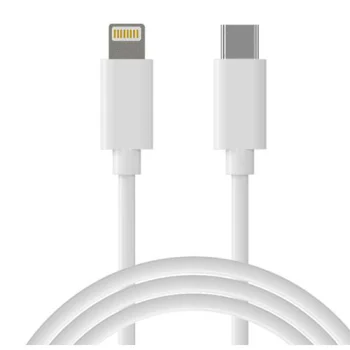
Extra Digital
Extra Digital USB Type-C to Lightning Cable, PD 18W, 1m, White
Delivery in 5–10 business days
7.30 €
New
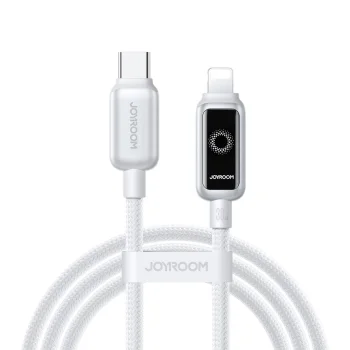
Joyroom
Joyroom S-A55 StarFlight USB-C - Lightning Cable 30W 1.2m - White
Delivery in 5–12 business days
8.10 €
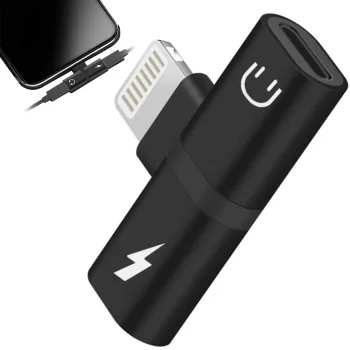
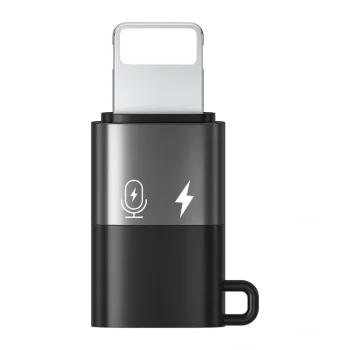
Lightning 2-in-1 Adapter and Splitter for iPad / iPhone, Black
Delivery in 5–12 business days
5.10 €
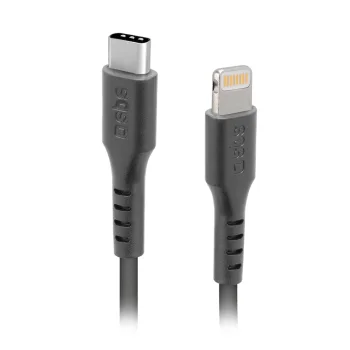
Tech-Protect
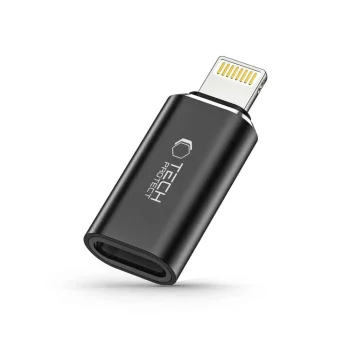
Tech-Protect UltraBoost Lightning to USB-C Adapter, Black
Delivery in 5–12 business days
6.40 €
New
3MK
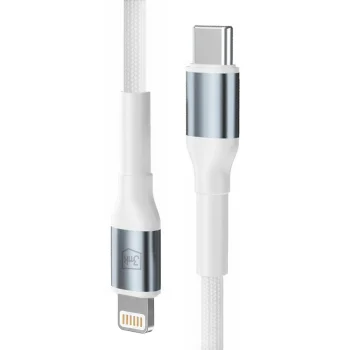
3mk Hyper Cable N-SERIES USB-C to Lightning Cable 1m 20W, White
Delivery in 5–12 business days
8.20 €
New
3MK
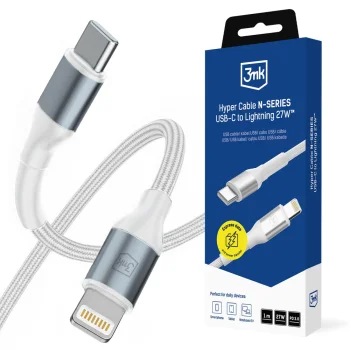
3mk Hyper Cable N-SERIES USB-C to Lightning Cable 1m 27W, White
Delivery in 5–12 business days
8.20 €
New
-9%
3MK
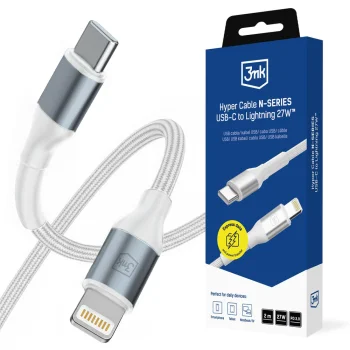
3mk Hyper Cable N-SERIES USB-C to Lightning Cable 2m 27W PD 3.0 - White
Delivery in 5–12 business days
9.80 €10.80 €
New
-9%
3MK
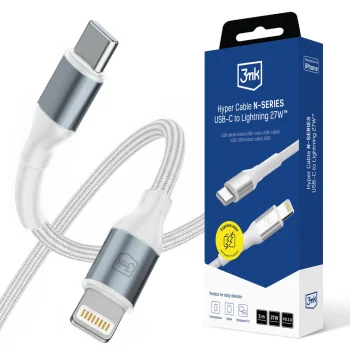
3mk Hyper Cable N-SERIES USB-C to Lightning Cable 3m 27W - White
Delivery in 5–12 business days
10.70 €11.80 €
New
3MK
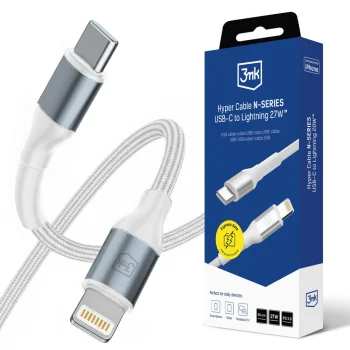
3mk Hyper Cable N-SERIES USB-C to Lightning Cable 50cm 27W - White
Delivery in 5–12 business days
8.00 €
New
-9%
Acefast
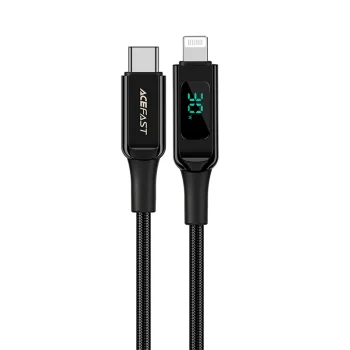
Acefast C6-01 USB-C to Lightning Cable with LED Display, 1.2m, 30W, Black
Delivery in 5–12 business days
13.30 €14.60 €
Baseus
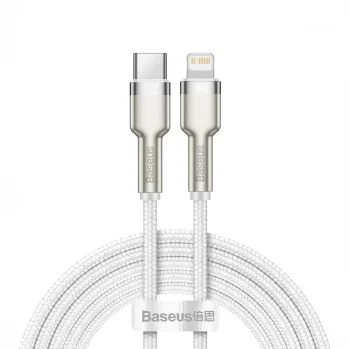
Baseus Cafule Series Metal Data USB-C to Lightning cable, 20 W, 2 m, white
Delivery in 5–12 business days
15.30 €

-23%
Baseus
Baseus Crystal Shine USB Type C to Apple iPhone Lightning Data Charging Cable, PD, 20W, 1.2m, Blue
Delivery in 5–12 business days
8.40 €10.90 €
New
Dudao
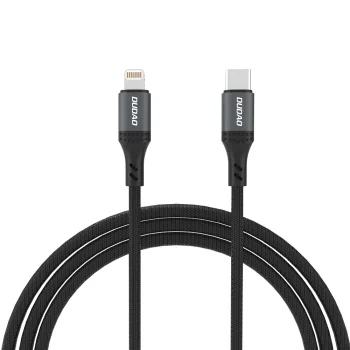
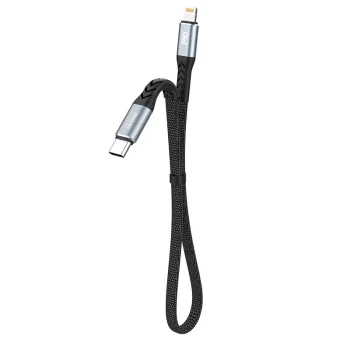
Dudao L10P USB-C to Lightning Cable PD 20W, 0.23m, Black
Delivery in 5–12 business days
6.40 €
New
New
New
Extra Digital
Extra Digital Silicone Cable USB Type-C to Lightning, 2m, Red
Delivery in 5–10 business days
9.70 €
New
Extra Digital
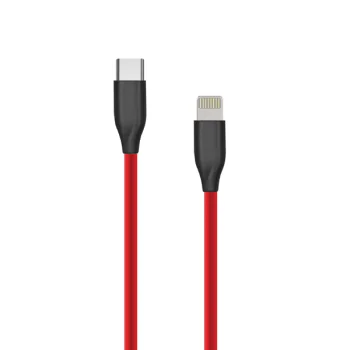
Extra Digital Silicone USB Type-C to Lightning Cable 1m, Red
Delivery in 5–10 business days
9.70 €
New
Extra Digital
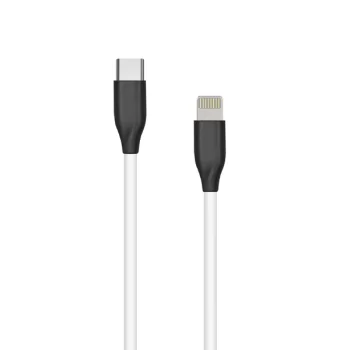
Extra Digital Silicone USB Type-C to Lightning Cable, 1m, White
Delivery in 5–10 business days
9.70 €
New
Extra Digital
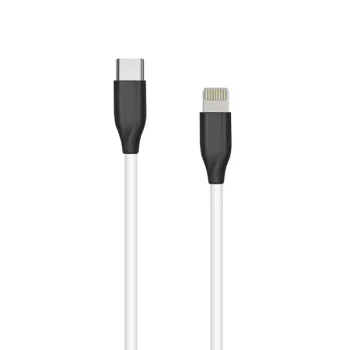
Extra Digital Silicone USB-C to Lightning Cable 2m, White
Delivery in 5–10 business days
8.60 €
New
Joyroom
Joyroom Gaming Cable USB-C to Angled Lightning 20W 1.2m Black
Delivery in 5–12 business days
5.80 €
New
Joyroom
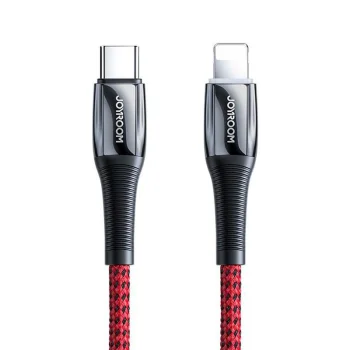
Joyroom S-1224K2 USB-C to Lightning Cable 20W 1.2m Red
Delivery in 5–12 business days
7.70 €
New
Joyroom
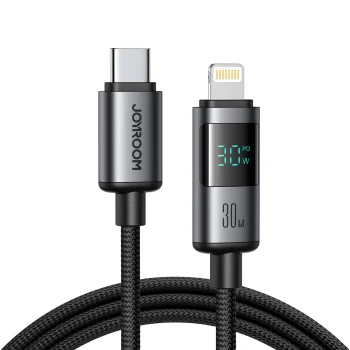
Joyroom S-A16 Pro USB-C to Lightning Cable 30W with Display 1.2m - Black
Delivery in 5–12 business days
7.90 €

-17%
Joyroom
Joyroom S-A43 Crystal-Clear Series Coiled Cable USB-C to Lightning 30W 1.5m - Black
Delivery in 5–12 business days
7.30 €8.80 €
New
Joyroom
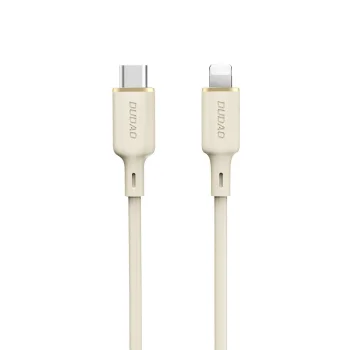
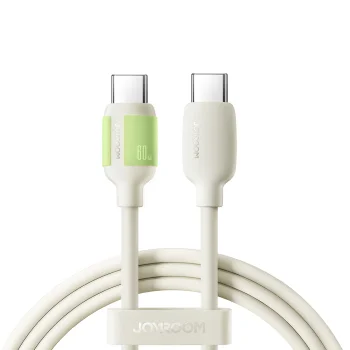
Joyroom S-A53 USB-C to Lightning Cable 60W 1.2m - Beige
Delivery in 5–12 business days
7.90 €
New
Joyroom
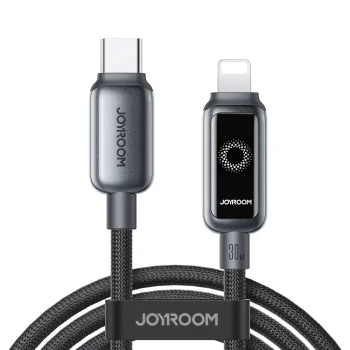
Joyroom S-A55 StarFlight USB-C to Lightning Cable 30W 1.2m - Black
Delivery in 5–12 business days
7.80 €
New
Joyroom
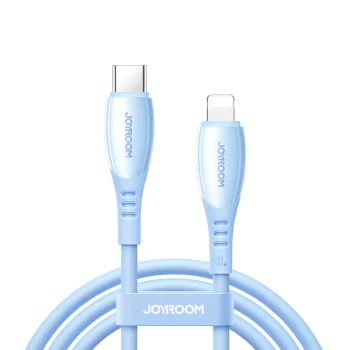
Joyroom S-A59 Vibrant Series 30W USB-C - Lightning Cable 1.2m - Blue
Delivery in 5–12 business days
6.60 €
New
Joyroom
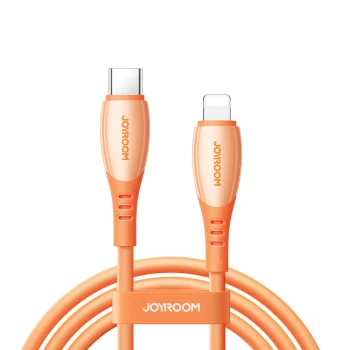
Joyroom S-A59 Vibrant Series USB-C to Lightning Cable 30W 1.2m - Orange
Delivery in 5–12 business days
6.60 €
New
Joyroom
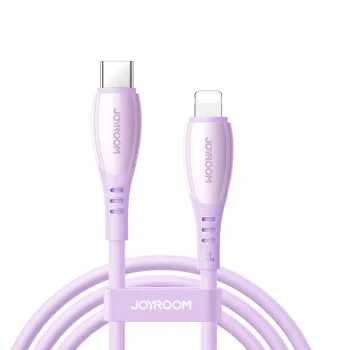
Joyroom S-A59 Vibrant Series USB-C to Lightning Cable 30W 1.2m, Purple
Delivery in 5–12 business days
6.30 €
New
Joyroom
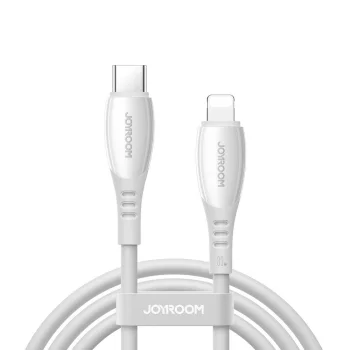
Joyroom S-A59 Vibrant Series USB-C to Lightning Cable 30W 1.2m, White
Delivery in 5–12 business days
6.70 €
New
Joyroom
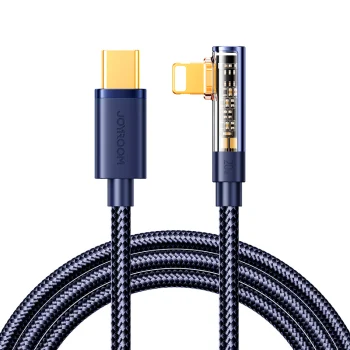
Joyroom S-CL020A6 Angled Lightning to USB-C Cable 20W 1.2m Blue
Delivery in 5–12 business days
5.80 €
USB Type C to Apple iPhone Lightning cables and adapters cover charging, data transfer and connection needs. Brands include Baseus, Joyroom, Tech-Protect, Dudao, SBS and others. Options range from conventional charging and data cables to angled cables, cables with an LED display and Puluz OTG adapters. Each format serves a different connection task at a desk, near a socket or alongside a computer.
Choosing USB Type C to Lightning cables and adapters
Check your exact device model and the connectors at both ends of the intended connection. Then compare length, stated power rating and data transfer support. Charging performance depends on the cable, charger and connected device together. For an adapter, pay particular attention to the plug and socket types and the functions stated in its description.
- Charging and data cables: Baseus offers USB-C to Lightning cables described for both purposes. For computer connections, look for explicit data transfer support rather than relying on the connector name alone.
- Cable length: Match the length to the distance between the power source and your usual device position. A shorter cable takes up less space, while a longer cable allows more placement flexibility.
- Power and PD support: Selected Baseus and Tech-Protect cables specify PD support. Compare the stated cable rating with the capabilities of your charger and device.
- Angled connectors: Joyroom offers an angled USB-C to Lightning cable. The different cable exit direction can help when space around the connection is limited.
- Displays and OTG adapters: Wozinsky offers a cable with an LED display, while Puluz offers an OTG adapter. These features address different needs, so assess each against the intended task.
For charging near a socket, focus on length and the stated power rating. For computer use, include data transfer in your criteria; for adapter connections, prioritise connector configuration and supported functions.
Frequently Asked Questions
How do I check USB-C to Lightning cable compatibility?
For a USB-C to Lightning cable, check the exact Apple device model and its charging port. The charger or computer at the other end must have a suitable USB-C port.
Do all USB-C to Lightning cables support data transfer?
USB-C to Lightning cable data support should be checked in the individual product description. Baseus offers options explicitly described as charging and data cables.
What is the difference between a cable and an OTG adapter?
A USB-C to Lightning cable provides a wired connection between ports, while an OTG adapter changes the connection format. The OTG adapter's stated functions and connector configuration determine its intended use.
What are the most popular 2026 products in category - USB Type C to Apple iPhone Lightning Cables and Adapters
- Maxlife MXUC-05 USB-C to Lightning Cable 2.0m 20W, White
- Baseus Superior Series Cable USB Type C to Apple iPhone Lightning, 20W, PD, 1m, White
- Baseus Crystal Shine USB Type C to Apple iPhone Lightning Data Charging Cable, PD, 20W, 1.2m,...
- USB-C to Lightning Cable Baseus CATLGD-A02 20W 2m White
- Wozinsky USB-C to Lightning Cable with LED Display 36W 2m, Black
 Gudri pirkumi vienuviet