
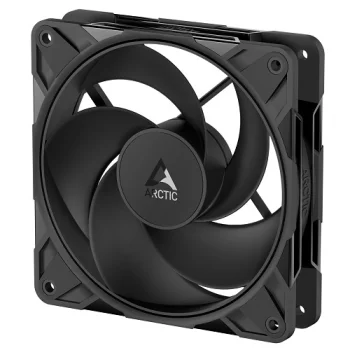
New
Arctic Gmbh
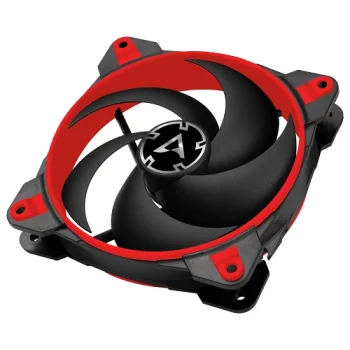
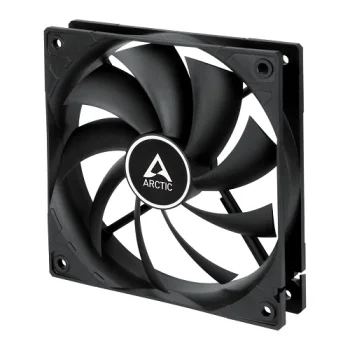
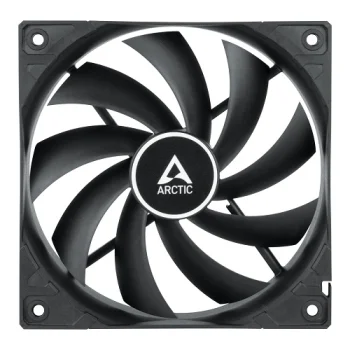
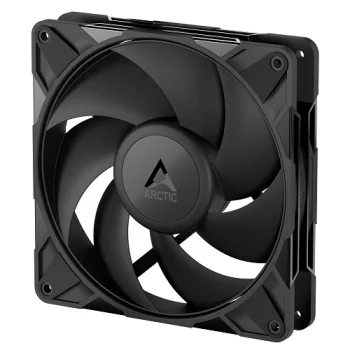
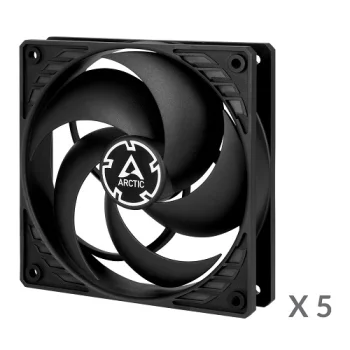
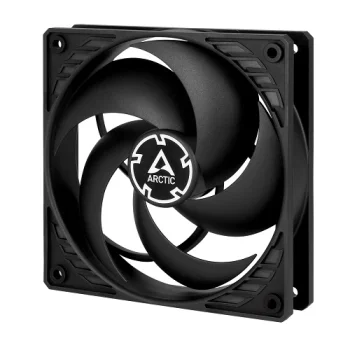
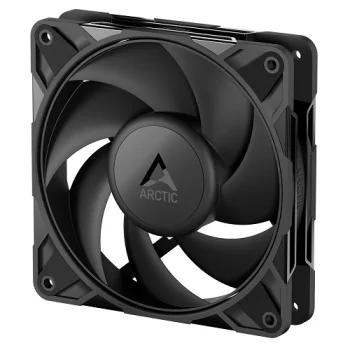
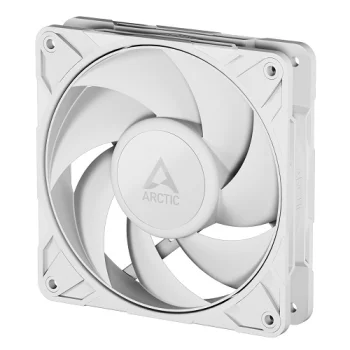
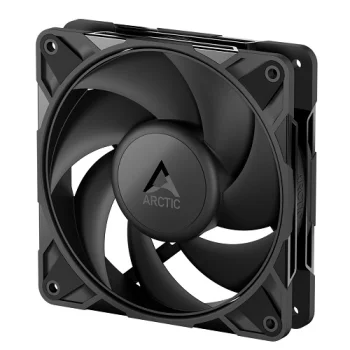
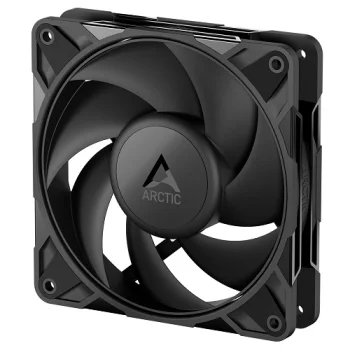
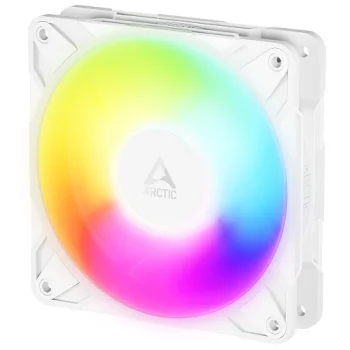
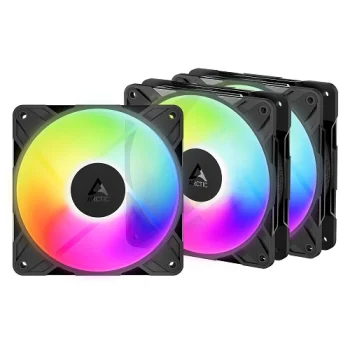
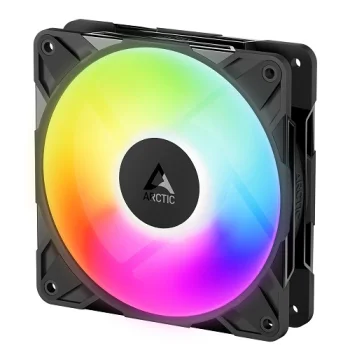
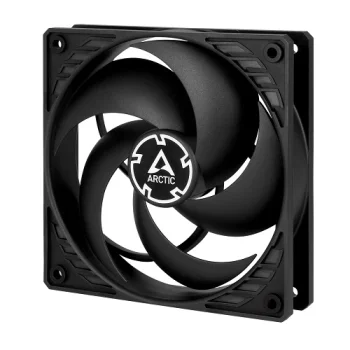
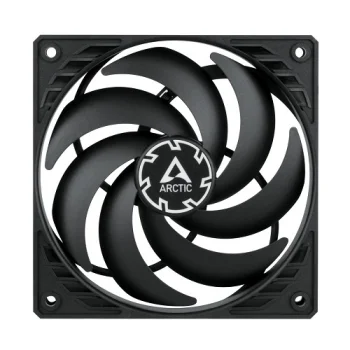
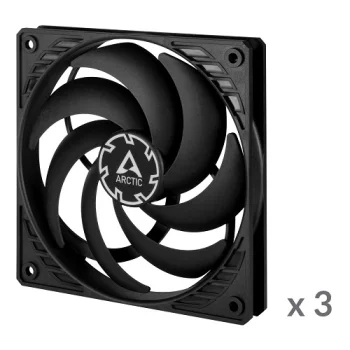
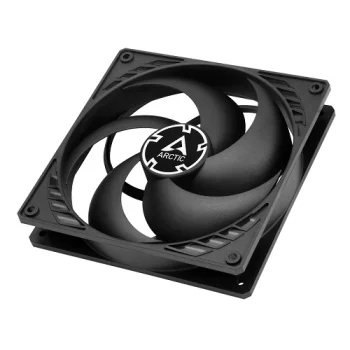
Arctic P12 PRO Reverse PWM PST 120mm Case Fan, Black
Delivery in 5–10 business days
11.40 €
Computer case cooling fans include individual fans, fan kits and fan units from Arctic, Thermaltake, Seasonic, ADATA, be quiet! and Cooler Master. Options include models labelled PWM, ARGB and Reverse. They suit computer builds and updates to existing case cooling. Start with the case mounting positions and supported fan sizes, then decide how many fans the planned installation requires.
Computer case cooling fans cover individual replacements, kits containing several fans and fan units. Brands include Arctic, Thermaltake, Seasonic, ADATA, be quiet! and Cooler Master. The range includes products labelled PWM, ARGB and Reverse, giving shoppers several features to consider when planning a computer build or updating an existing cooling arrangement.
Check the case documentation for supported fan sizes and mounting positions first. Available examples include 120 mm and 140 mm models, so appearance alone cannot determine the right fit. Next, compare the selected fan's connection and control requirements with the computer's equipment. Count the positions you intend to fill before comparing individual fans with kits or fan units.
Individual fans suit a targeted replacement, while kits and Thermaltake fan units are options for installations involving several positions. For fans visible inside the case, the selected product's colour and lighting can also guide the final choice.
Choose a case fan size supported by the mounting positions listed in your case documentation. Options shown include 120 mm and 140 mm models.
A case fan kit is useful when installing fans in several mounting positions. Compare the number of fans in the kit with your planned layout.
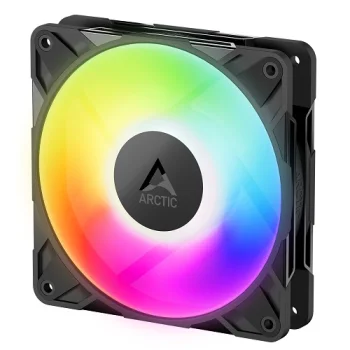
For an ARGB case fan, check the selected model's lighting connection and control requirements. The ARGB label alone does not establish compatibility with a particular computer's equipment.
+371 20408041
info@motivs.lv
Duntes 56, Rīga, LV-1005, Latvija
Monday: 10:00 - 19:00
Tuesday: 10:00 - 19:00
Wednesday: 10:00 - 19:00
Thursday: 10:00 - 19:00
Friday: 10:00 - 19:00
Saturday: Closed
Sunday: Closed
 Gudri pirkumi vienuviet