
New
Arctic Gmbh
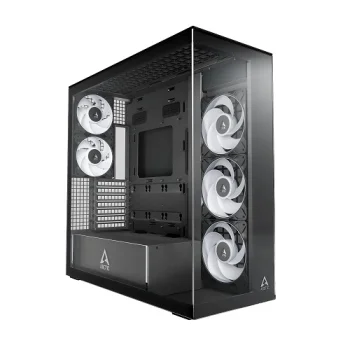
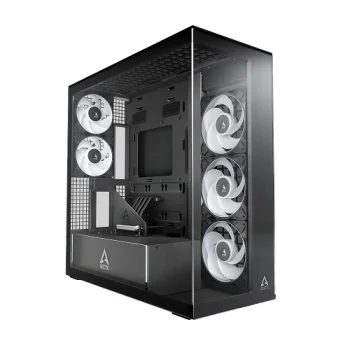
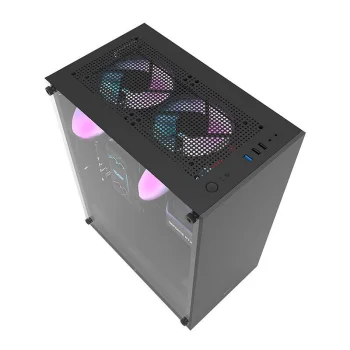
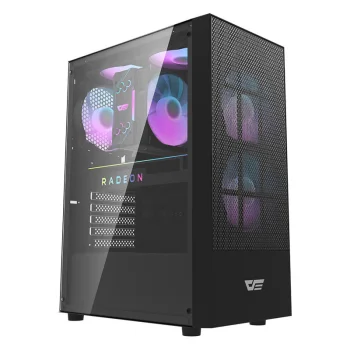
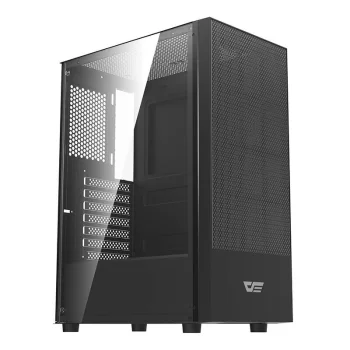
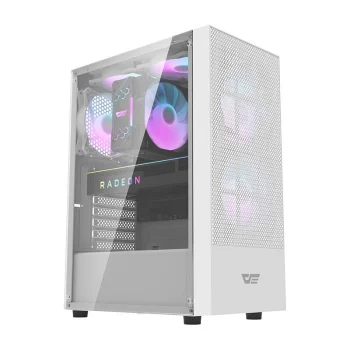
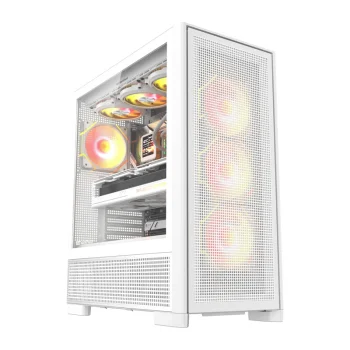
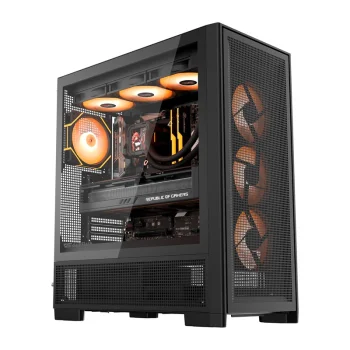
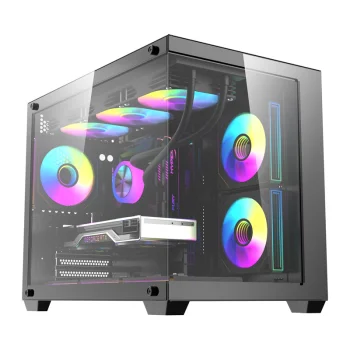
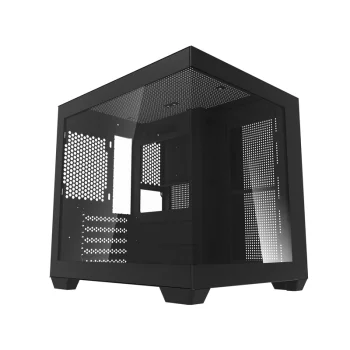
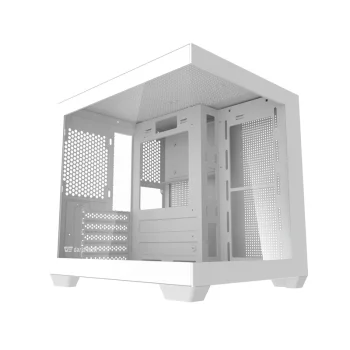
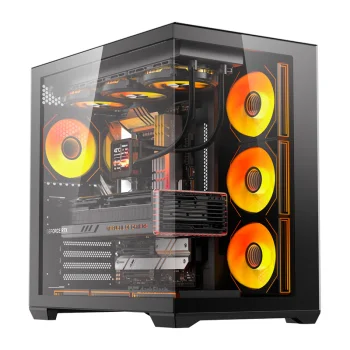
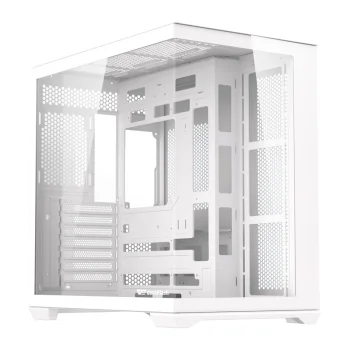
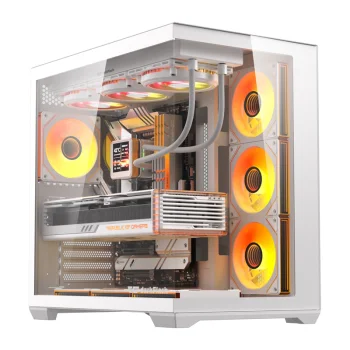
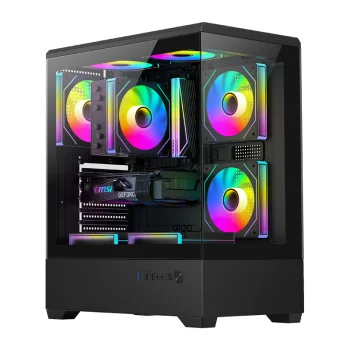
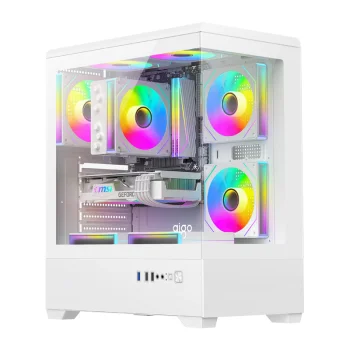
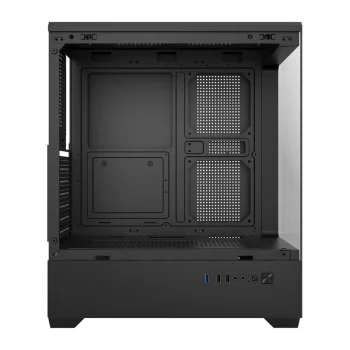
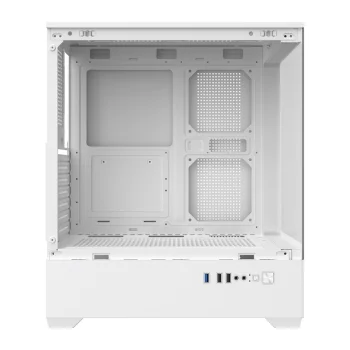
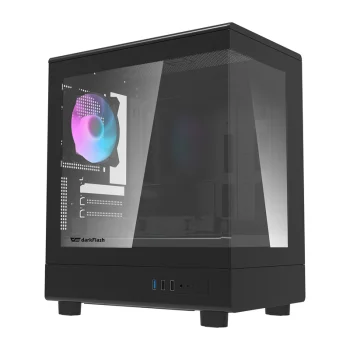
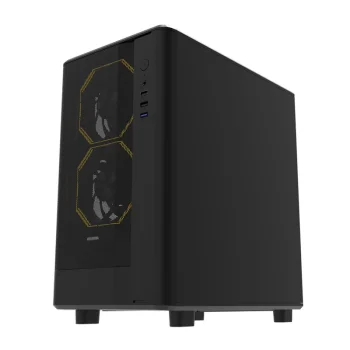
ARCTIC Xtender Premium E-ATX PC Case with Tempered Glass, Black
Delivery in 5–10 business days
179.40 €
Computer cases include DarkFlash, ARCTIC and Cooler Master models with ATX, E-ATX, Micro-ATX and Mini-ITX designations, alongside options with included fans and tempered glass. They suit new desktop builds and case replacements for existing computers. Start with motherboard compatibility, then compare the included fan configuration and appearance. Check the exact case description against the components planned for the build.
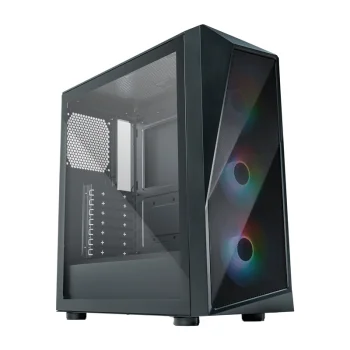
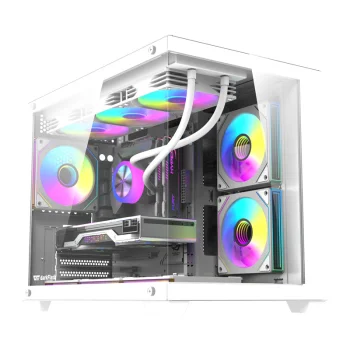
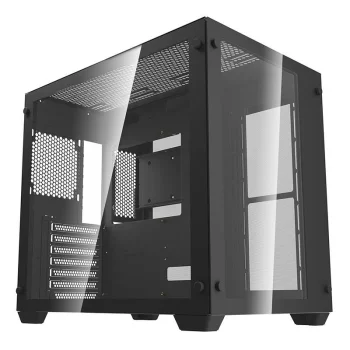
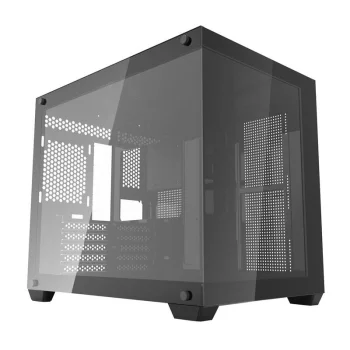
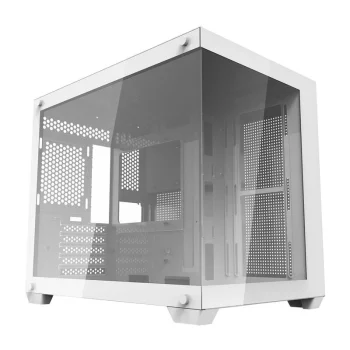
Computer cases from DarkFlash, ARCTIC and Cooler Master cover different desktop build requirements. The range includes ATX and E-ATX models, plus the Darkflash TH285M with Micro-ATX and Mini-ITX designations. Selected cases feature included fans, ARGB lighting or tempered glass. Black and white versions also appear in the range, allowing appearance to be considered alongside the supplied equipment.
Begin with the motherboard format and the compatibility information for the exact case. Next, compare the included fan count, any ARGB designation and the presence of glass. For a build with components already selected, check component dimensions against the limits stated in the case description. Use the full variant name when comparing equipment, since a series name alone does not describe every configuration.
For a new desktop build, compare case formats and supplied equipment. For an existing computer, the fan configuration, glass elements and finish offer further practical points of comparison when planning a case replacement.
Computer case selection starts with the motherboard format and the exact model's compatibility information. The range includes cases labelled ATX, E-ATX, Micro-ATX and Mini-ITX.
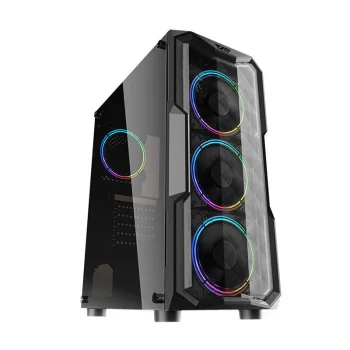
DarkFlash F1 and K430 include variants with six fans, while a DarkFlash C365 variant lists five fans. The included fan configuration depends on the exact version.
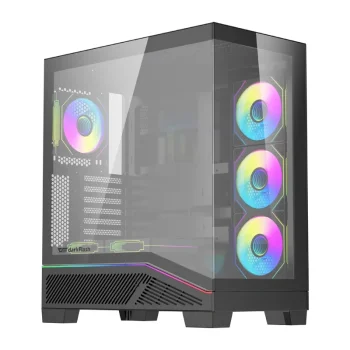
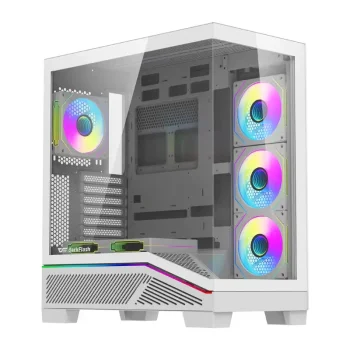
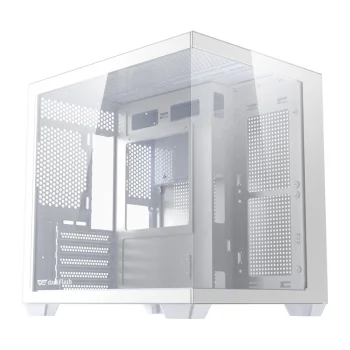
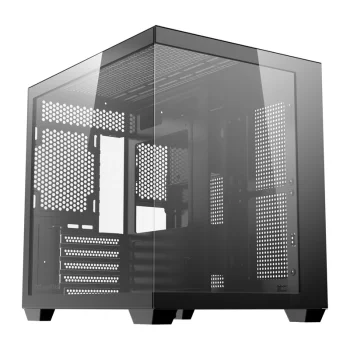
Selected ARCTIC Xtender and DarkFlash C365 computer cases list tempered glass. Check the chosen variant's description for the glass specification.
+371 20408041
info@motivs.lv
Duntes 56, Rīga, LV-1005, Latvija
Monday: 10:00 - 19:00
Tuesday: 10:00 - 19:00
Wednesday: 10:00 - 19:00
Thursday: 10:00 - 19:00
Friday: 10:00 - 19:00
Saturday: Closed
Sunday: Closed
 Gudri pirkumi vienuviet