
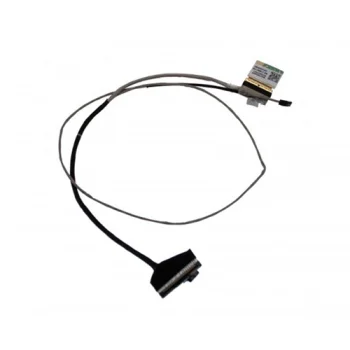
New
Acer
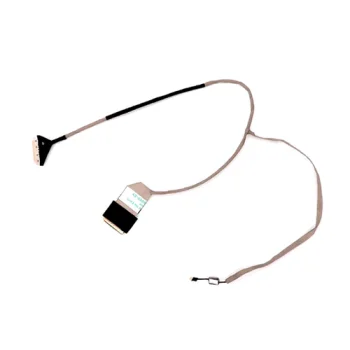
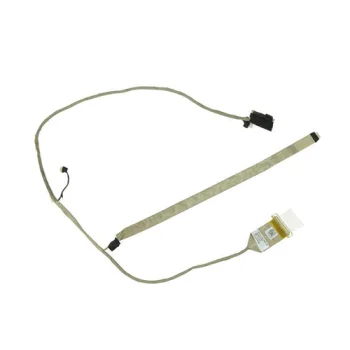
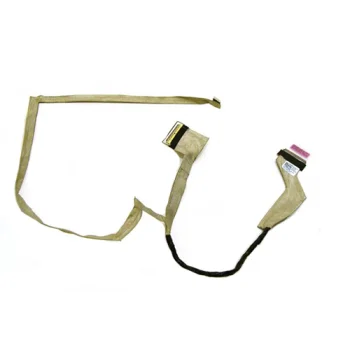
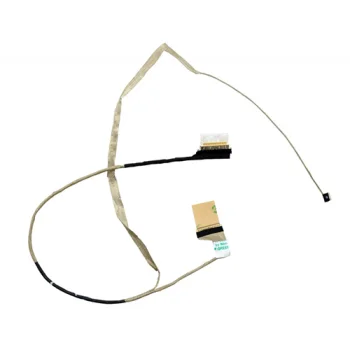
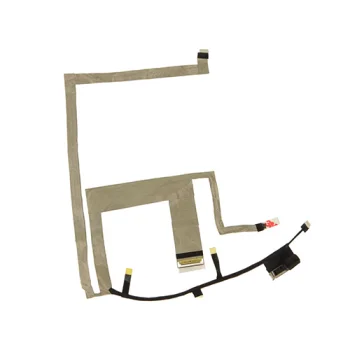
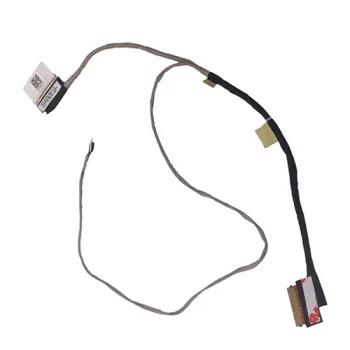
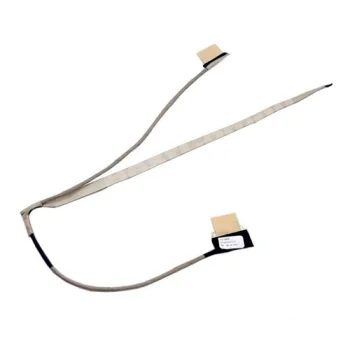
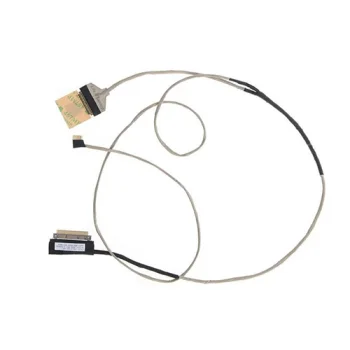
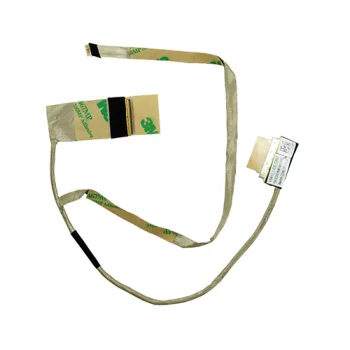
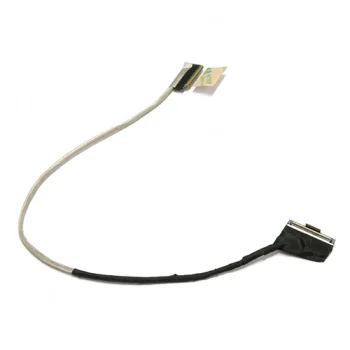
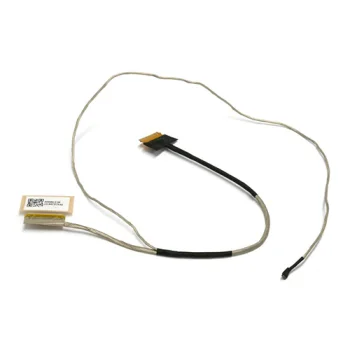
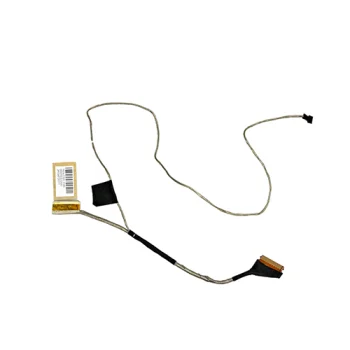
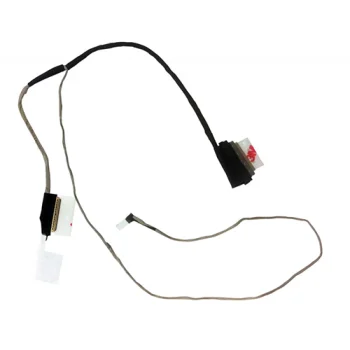
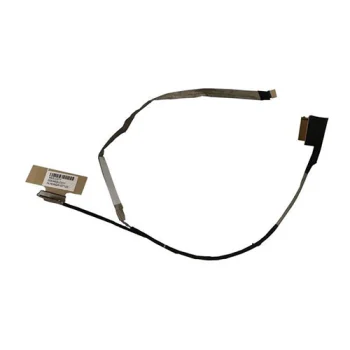
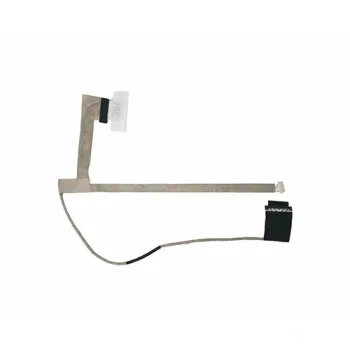
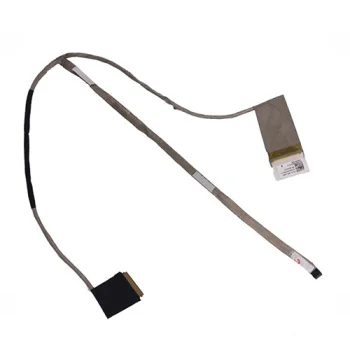
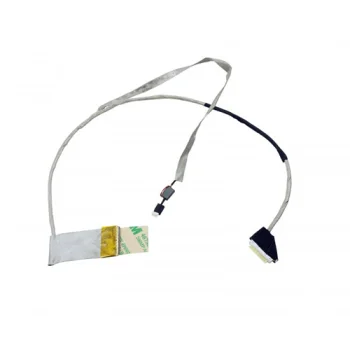
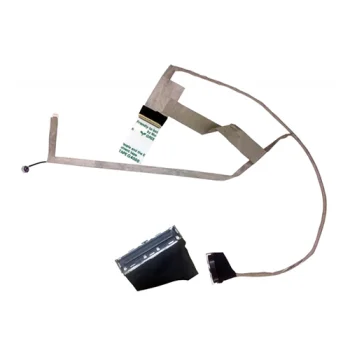
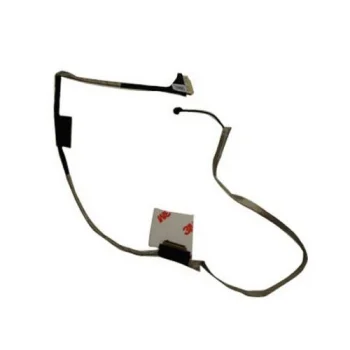
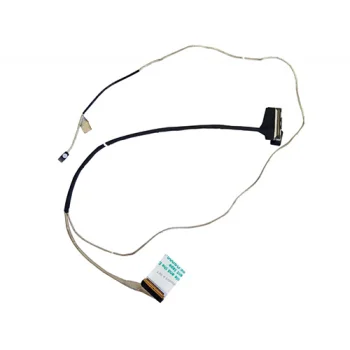
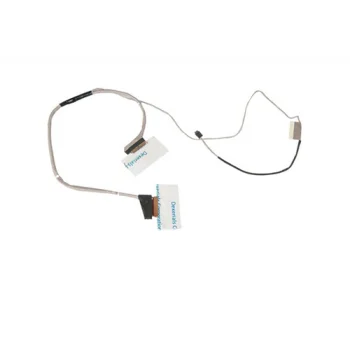
LCD Screen Cable for Acer Aspire V3-574, V3-575 (DD0ZRRLC010)
Delivery in 5–10 business days
26.70 €
Laptop screen cables include LCD screen cables for HP, Lenovo, Dell, Asus, Acer and Samsung laptops. These replacement parts suit shoppers preparing to replace an existing screen cable. Some listings specify 30-pin or 40-pin connections, while others include a part code. The main selection criteria are the laptop designation and the connection details stated for the individual cable.
Laptop screen cables cover LCD screen replacement cables for HP, Lenovo, Dell, Asus, Acer and Samsung computers. Products include cables listed for Acer Aspire, Dell Inspiron and other named laptop series. Individual titles identify supported models, and some also provide a pin count or part code. These details give shoppers useful starting points when searching for a replacement screen cable.
Match the complete laptop model designation against the individual product description before selecting a cable. Then compare the stated pin count and part code where available. A shared brand or similar series name alone is insufficient to establish a match. If the existing cable has a readable label, use that marking as an additional reference. Keep letters and suffixes in the search, because product titles explicitly distinguish several named versions.
Laptop screen cables are replacement parts for repair work. Recording the computer designation and existing cable marking before comparing products keeps the relevant information together. Stated pin counts can then help distinguish the listed cables during selection.
Laptop screen cables are listed for HP, Lenovo, Dell, Asus, Acer and Samsung computers. Each product identifies its own supported laptop models.
The screen cable for Lenovo 300-15, 300-15ISK and 300-15IBR specifies 30 pins. The cables listed for Asus K56, S56, A56 and N56 specify 40 pins.
A screen cable part code provides a reference to compare with the marking on an existing cable. For example, the Acer Aspire V3-574 and V3-575 cable is listed with DD0ZRRLC010.
+371 20408041
info@motivs.lv
Duntes 56, Rīga, LV-1005, Latvija
Monday: 10:00 - 19:00
Tuesday: 10:00 - 19:00
Wednesday: 10:00 - 19:00
Thursday: 10:00 - 19:00
Friday: 10:00 - 19:00
Saturday: Closed
Sunday: Closed
 Gudri pirkumi vienuviet