
- Gifts & Party Decorations
- Phone Accessories
- Photo & Video
- Computers & Electronics
- Sports & Fitness
- Beauty & Health
- Car & Motorcycle Accessories
- Bicycle Accessories
- Home & Living
- Garden & Outdoor
- Baby & Kids Products
- Games, Hobbies & Leisure
- Travel & Outdoor Activities
- Pet Supplies
- Discounted Items & Products with Defects
NAS Network Storage
NAS network storage includes TerraMaster NAS servers with drive bays and SSD models designed for M.2 NVMe drives. These devices suit households and workplaces that need a central location for files accessed over a network. Key selection criteria include drive format, bay count, processor, memory and a network connection that matches the intended workload.
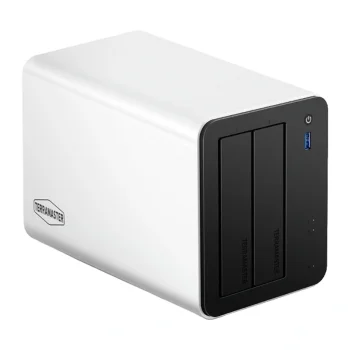
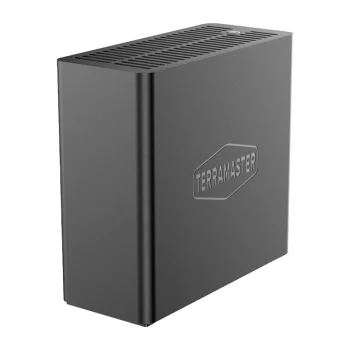
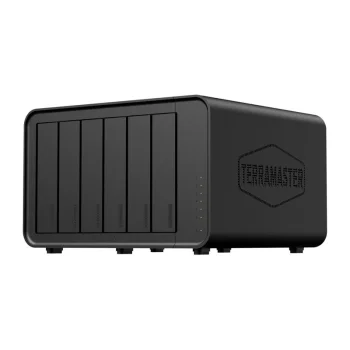
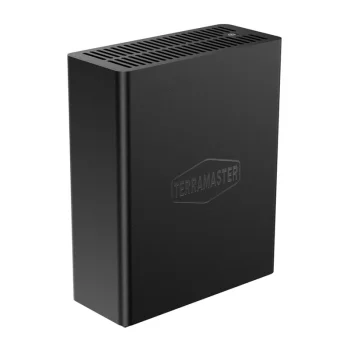
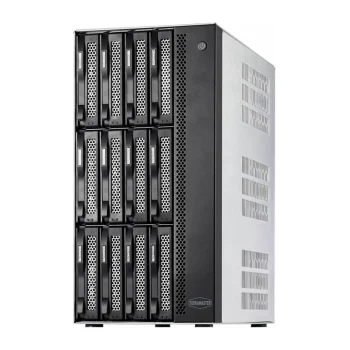
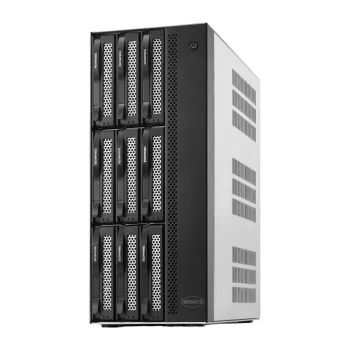
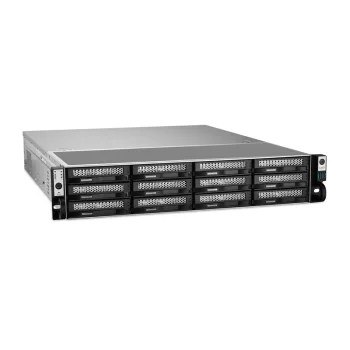
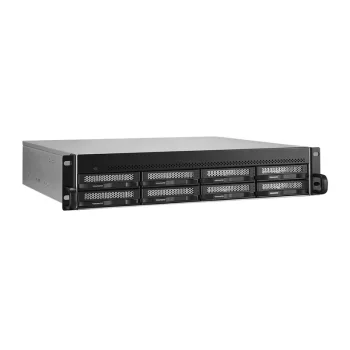
NAS network storage brings together TerraMaster servers for centralised file storage and access over a network. Options include servers with two, four, six, eight or twelve drive bays, alongside SSD models with M.2 NVMe slots. Different processor, memory and network configurations provide separate points of comparison for a personal archive or shared work files.
How to choose NAS network storage
Start with your current data volume and expected growth. Bay count indicates how many drives a server can accommodate, rather than the storage capacity available after setup. Check the exact TerraMaster model for supported drive formats and interfaces. Next, compare the processor, memory and network connection with your expected workload and existing network equipment.
- Drive bay count: Two-bay and four-bay servers can be compared with six-bay, eight-bay and twelve-bay configurations. Consider room for future data growth as well as your initial storage needs.
- M.2 NVMe SSD servers: TerraMaster SSD options include models with four or eight M.2 NVMe slots. Drive selection should follow the format specified for the server.
- Network connection: Options include 2.5GbE, 5GbE and 10GbE interfaces. Actual transfer speeds also depend on the drives, workload and other equipment in the network.
- Processor and memory: Configurations include Intel N95, Intel N5095, Intel Pentium Gold 8505 and Intel Core i7-1255U processors. Individual models have 8 GB or 16 GB of memory.
For household archives, shared documents or growing file collections, choose NAS network storage around capacity planning and access requirements. Additional drive bays and faster networking address different needs, so assess each separately rather than treating either as a complete measure of suitability.
Frequently Asked Questions
How many drive bays should a NAS server have?
NAS drive bay count should reflect your current data volume and expected growth. TerraMaster options include two to twelve bays, while usable capacity depends on the installed drives and configuration.
How does an M.2 NVMe NAS differ from a drive-bay NAS?
An M.2 NVMe NAS is designed for SSDs in the specified M.2 NVMe format. TerraMaster SSD models include four-slot and eight-slot options, with drive requirements determined by the individual server.
Does a 10GbE NAS always transfer files at 10GbE speeds?
A 10GbE NAS interface does not guarantee that actual file transfers will reach that rate. Drive performance, workload and the capabilities of the rest of the network also affect transfer speeds.
How much memory do TerraMaster NAS servers have?
TerraMaster NAS configurations include models with 8 GB and 16 GB of memory. Compare memory alongside the processor and the tasks the server will handle.