
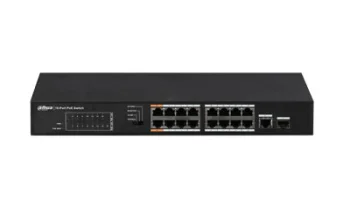
New
Dahua Technology Co., Ltd
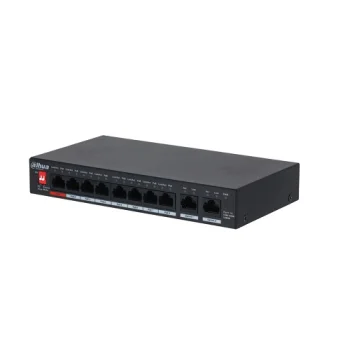
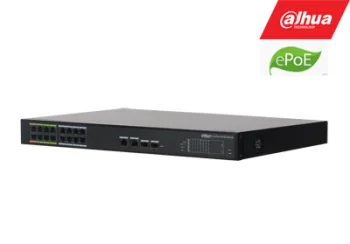
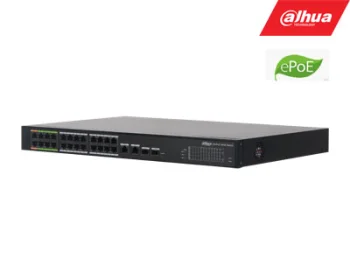
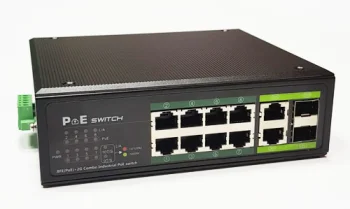
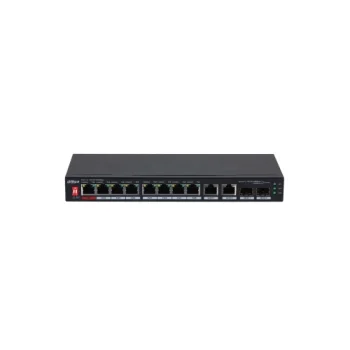
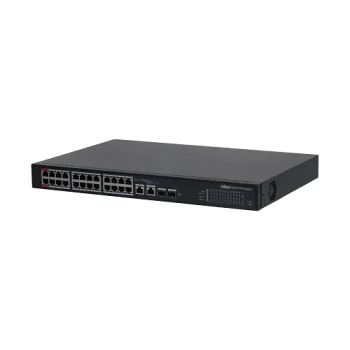
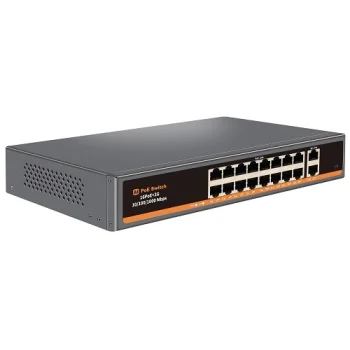
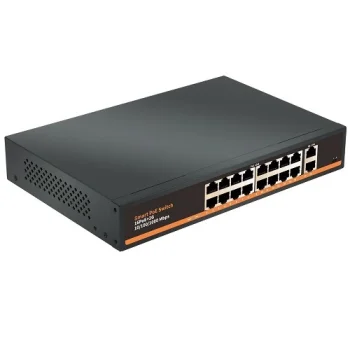
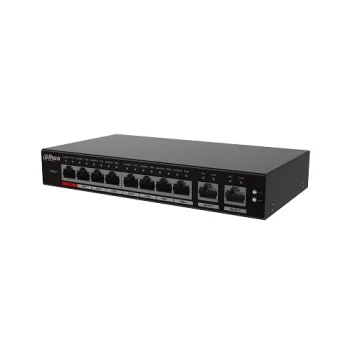
16-Port 100Mbps PoE Switch with 1G Combo Uplink 135W
Delivery in 5–10 business days
180.80 €
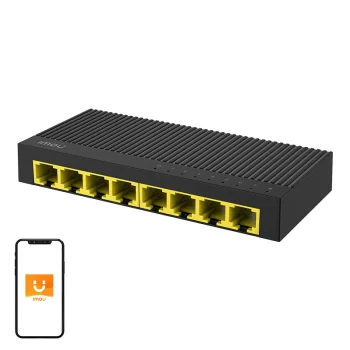
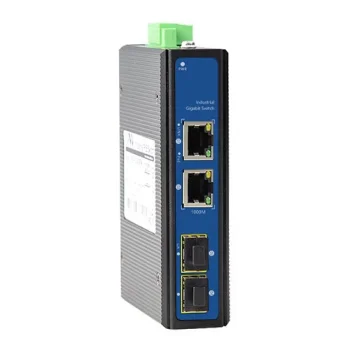
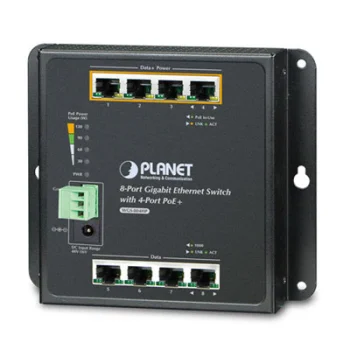
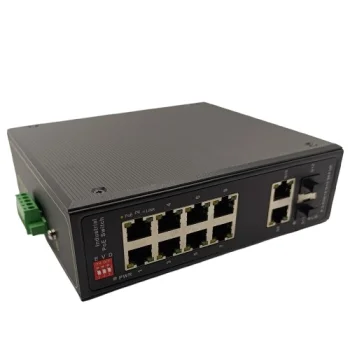
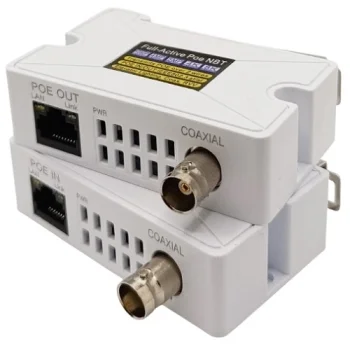
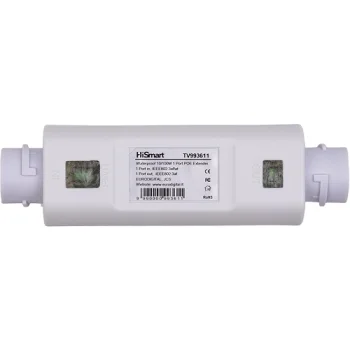
Network switches include Gigabit Ethernet and PoE models from brands such as Hikvision and Imou, alongside optical transceivers, media converters and Ethernet extenders. The range suits shoppers planning wired connections for home or work. Choose according to the number of devices, individual port speeds, PoE port count, stated power and the availability of separate Uplink connections.
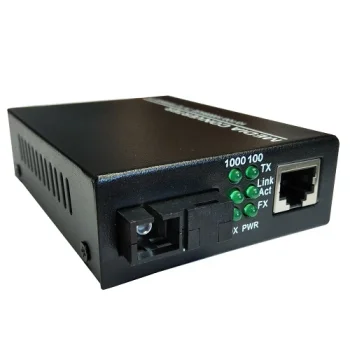
Network switches cover Gigabit Ethernet and PoE models for planning multiple wired connections. The range also includes WDM SFP optical transceivers, media converters and Ethernet extenders. Brands include Hikvision, Imou, Ugreen, Extra Digital, Hismart, Dahua Technology Co., Ltd and Planet Technology Corporation. Port layouts and stated connection speeds provide useful starting points when comparing equipment for a particular network.
Count the device connections needed and allow for the connection to the rest of the network. For PoE equipment, compare the number of PoE ports and the stated power with the requirements of the devices being connected. Check ordinary Ethernet ports and Uplink ports separately, since their speeds can differ within the same switch.
For a small wired network, port count and speed are practical first filters. Networks with PoE devices also require attention to power, while optical connections and longer Ethernet runs introduce the relevant transceivers, converters and extenders.
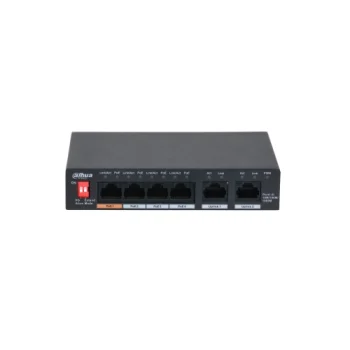
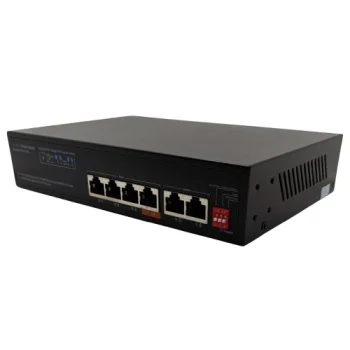
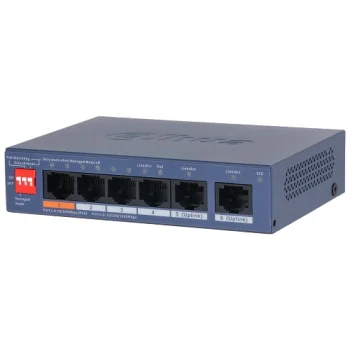
A PoE switch can have fewer PoE ports than its total port count. For example, the PFS3006-4ET-36 has six ports, including four PoE ports.
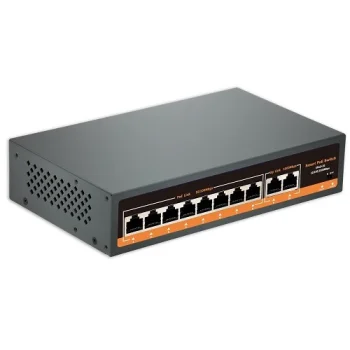
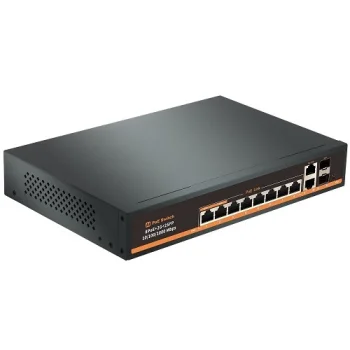
Gigabit Uplink describes the relevant Uplink ports. The range includes PoE switches with 100 Mbps ports and separate Gigabit Uplink connections.
For an optical transceiver, compare the format, speed, connector, fibre type and transmit and receive wavelengths. The listed WDM SFP transceiver also has a specified connection distance.
+371 20408041
info@motivs.lv
Duntes 56, Rīga, LV-1005, Latvija
Monday: 10:00 - 19:00
Tuesday: 10:00 - 19:00
Wednesday: 10:00 - 19:00
Thursday: 10:00 - 19:00
Friday: 10:00 - 19:00
Saturday: Closed
Sunday: Closed
 Gudri pirkumi vienuviet