
New
Power Cables and Power Adapters
69 products
Power cables include EU plug mains leads, laptop power connector cables and power adapters, with Extra Digital, Maclean, Hismart and Newell represented. These products suit workstation setup and replacement of an existing power connection. Choose according to the connector shape and dimensions, the required cable length and the electrical ratings stated for the individual product.
New
New
New
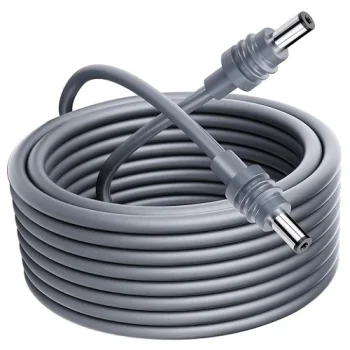
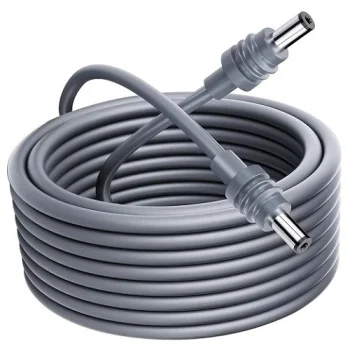
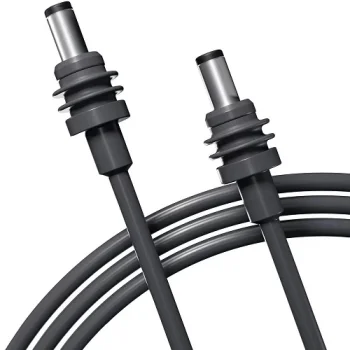
Extra Digital
DC Power Supply Cable with Connector for Samsung, 5.5 x 3.0mm with Pin
Delivery in 5–10 business days
6.90 €
New
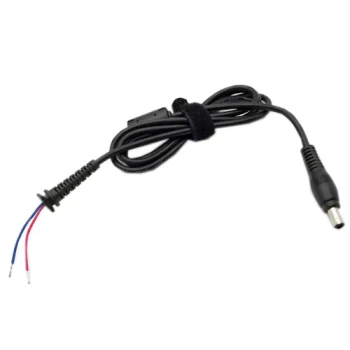
Extra Digital
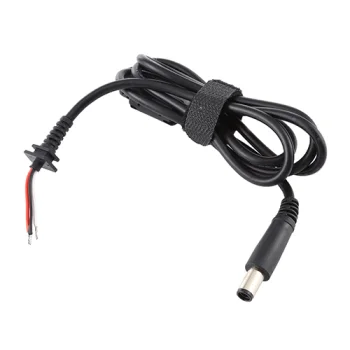
HP laptop power connector cable, 7.4 x 5.0 mm with pin, 3 wires
Delivery in 5–10 business days
8.00 €
New
Maclean
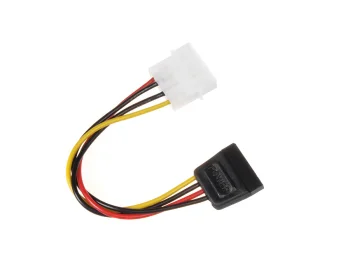
Maclean MCTV-633 Power Adapter Cable, Molex to SATA, 15cm
Delivery in 5–15 business days
5.40 €
New
New
New
Maclean
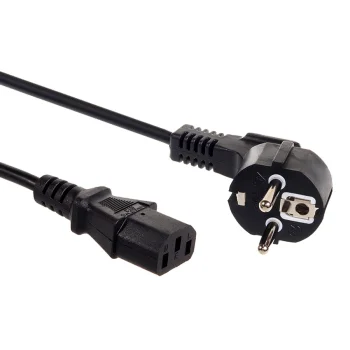
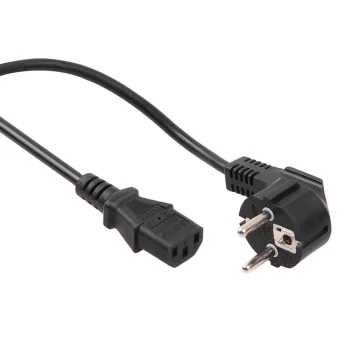
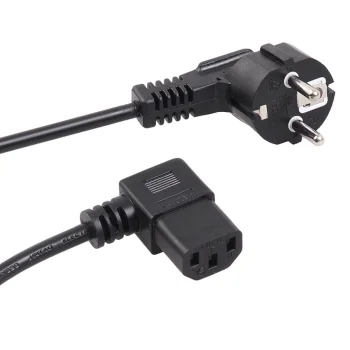
Maclean MCTV-802 Angled Power Cable, 3-Pin, EU Plug, 1.5m
Delivery in 5–15 business days
7.70 €
New
Maclean
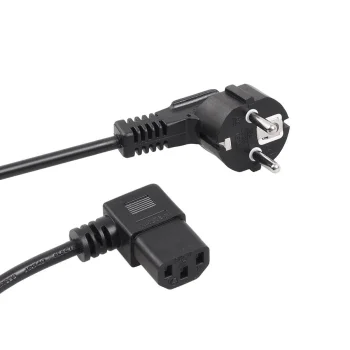
Maclean MCTV-803 Angled Power Cable, 3-Pin, EU Plug, 3m
Delivery in 5–15 business days
8.20 €
New
Maclean
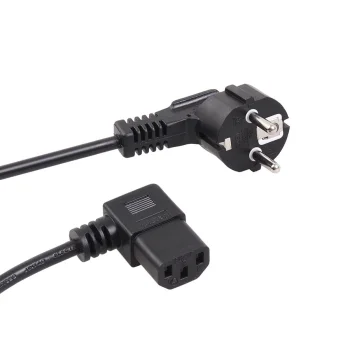
Maclean MCTV-804 Angled Power Cable, 3-Pin, EU Plug, 5m
Delivery in 5–15 business days
9.20 €
New
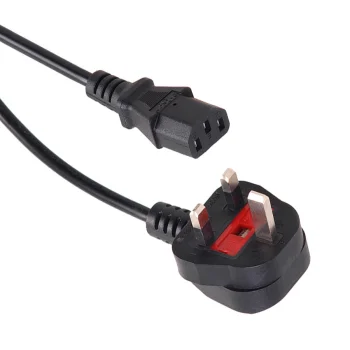
New
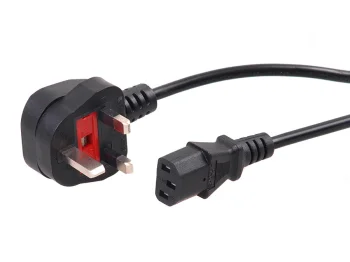
New
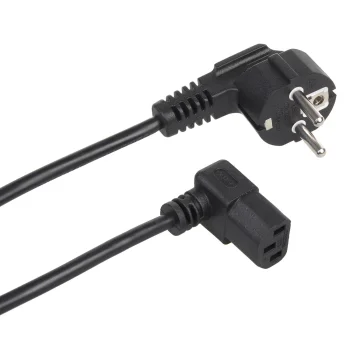
New
Maclean
Maclean MCTV-851 Angled Power Cable, 3 Pin, EU Plug, 1.5m, Black
Delivery in 5–15 business days
7.70 €
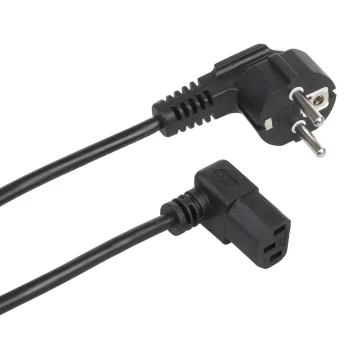
New
Maclean
Maclean MCTV-854 Angled Power Cable, CEE 7/7 Schuko to C13, 3m, Black
Delivery in 5–15 business days
8.20 €
New
Maclean
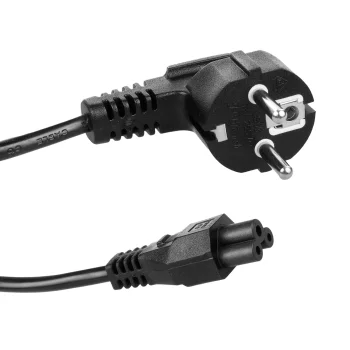
Maclean MCTV-857 3-Pin Cloverleaf Power Cable, EU Plug, 1.5m, Black
Delivery in 5–15 business days
6.80 €
New
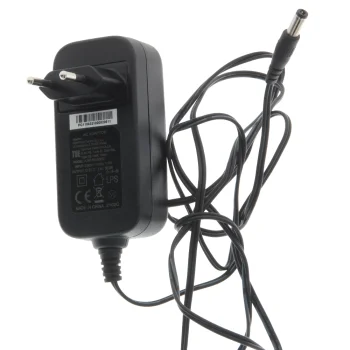
Power adapter for EVOBOX LITE POLSAT, 12 V, 2.5 A, 30 W
Delivery in 7–15 business days
15.50 €
New
New
New
New
Extra Digital
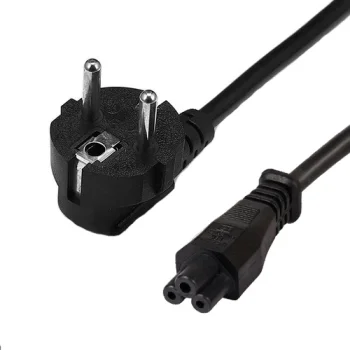
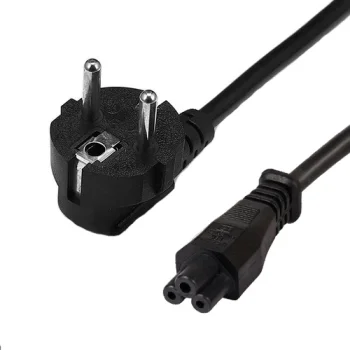
Power Supply Cable 220V, Schuko to C5, 3x0.75 mm2, 3m, Black
Delivery in 5–10 business days
8.60 €
New
Extra Digital
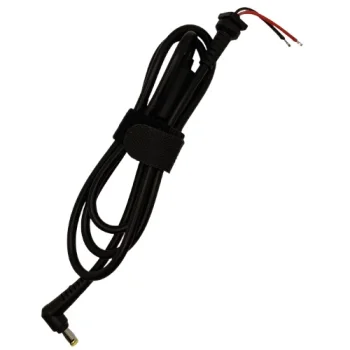
Power supply cable for Acer laptops, 5.5 × 1.7 mm, 240 W
Delivery in 5–10 business days
8.60 €
New
Extra Digital
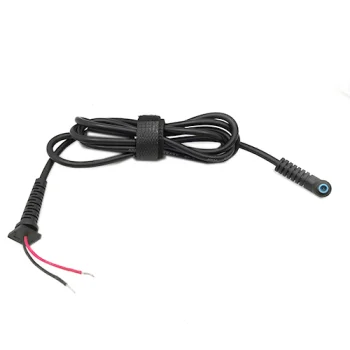
Power supply cable for ASUS and HP, 4.5 x 3.0 mm plug with pin
Delivery in 5–10 business days
8.00 €
New
Extra Digital
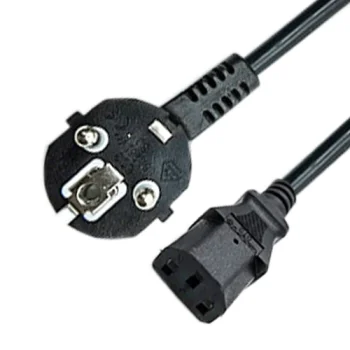
Power Supply Cable Schuko to C13, 220V, 3500W, 1m, Black
Delivery in 5–10 business days
7.30 €
New
Extra Digital
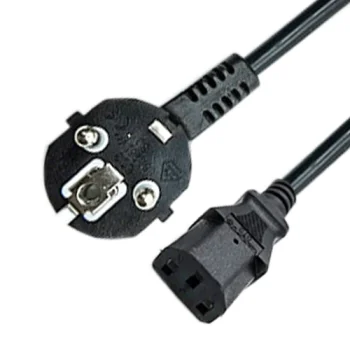
Power Supply Cable Schuko to C13, 220V, 3500W, 3m, Black
Delivery in 5–10 business days
11.10 €
New
Extra Digital
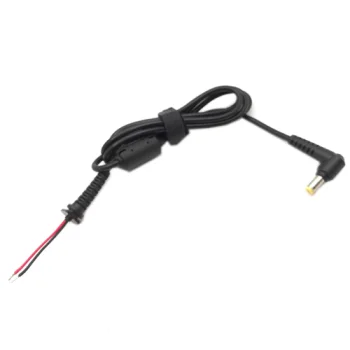
Power Supply Connector Cable for Acer Laptop, 5.5 x 1.7mm
Delivery in 5–10 business days
6.90 €
New
Extra Digital
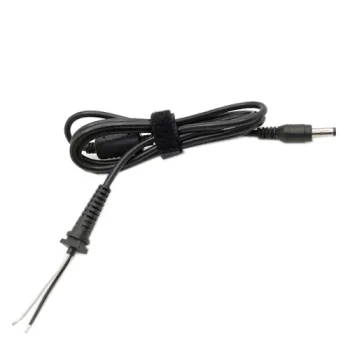
Power Supply Connector Cable for Acer, 5.5 x 2.1mm
Delivery in 5–10 business days
6.90 €
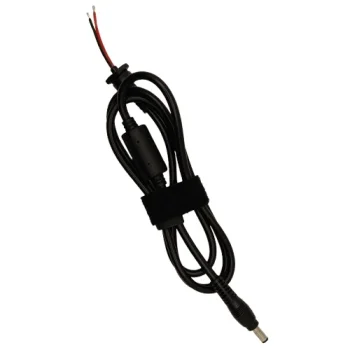
New
Extra Digital
Power Supply Connector Cable for Acer, 5.5 x 2.1mm, 240W
Delivery in 5–10 business days
8.60 €
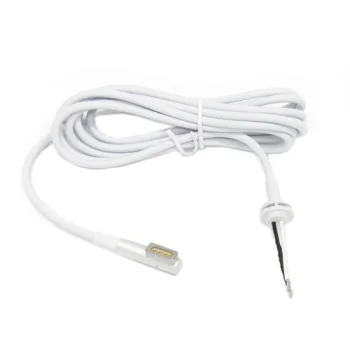
New
Extra Digital
Power Supply Connector Cable for Apple Notebooks, MagSafe 1 L-Tip
Delivery in 5–10 business days
12.90 €
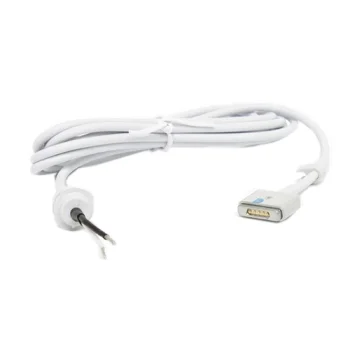
New
Extra Digital
Power Supply Connector Cable for Apple, Magnetic MagSafe 2
Delivery in 5–10 business days
13.90 €
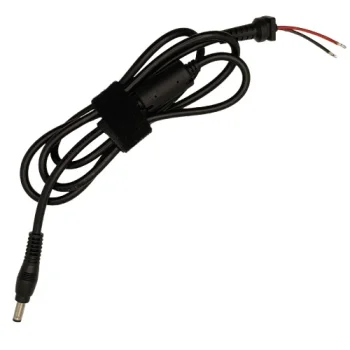
New
Extra Digital
Power Supply Connector Cable for ASUS Laptop, 5.5 x 2.5mm, 90W
Delivery in 5–10 business days
8.60 €
New
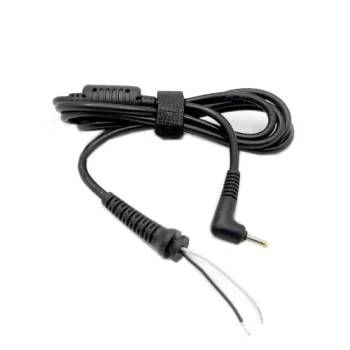
Extra Digital
Power Supply Connector Cable for ASUS, 2.3 x 0.7mm, with Pin
Delivery in 5–10 business days
6.90 €
New
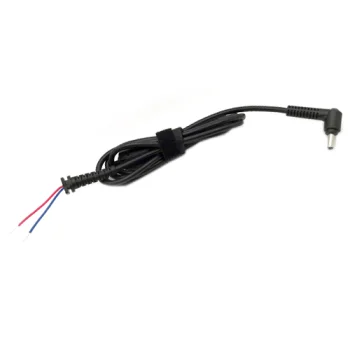
Extra Digital
Power Supply Connector Cable for ASUS, 4.0 x 1.35mm
Delivery in 5–10 business days
6.90 €
New
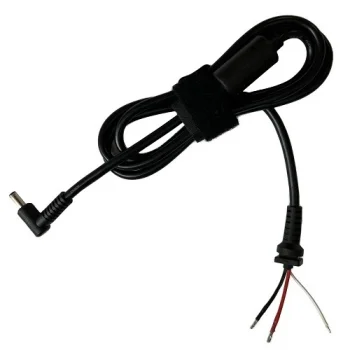
Extra Digital
Power Supply Connector Cable for ASUS, 4.5x3.0mm, 3 Wires, 240W
Delivery in 5–10 business days
8.60 €
New
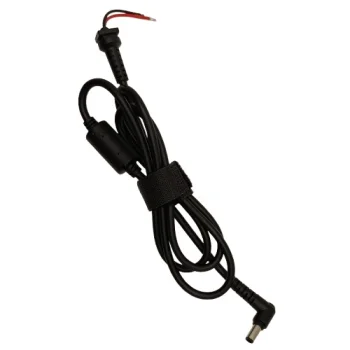
Extra Digital
Power supply connector cable for ASUS, 6.0 x 3.7 mm, 240 W
Delivery in 5–10 business days
8.60 €
Power cables cover mains leads with EU plugs, three-pin connections, cloverleaf connectors and laptop power connector cables. Brands include Extra Digital, Maclean, Hismart and Newell. Power adapters are also offered, including an adapter for EVOBOX LITE POLSAT. Cables listed for ASUS, Acer, HP and Lenovo laptops have different connector dimensions, so the laptop brand alone does not establish which cable to select.
How to choose power cables
Compare the exact device model and required connector details with the product description. Establish whether the replacement needed is a mains lead, a laptop connector cable or a power adapter. Then consider the distance to the socket and the space around the connection point. These checks address both the connection itself and how the cable will be routed around the desk or nearby furniture.
- Mains leads: Maclean options include three-pin power cables with EU plugs. Check the equipment-side connector shape as well as the wall plug.
- Cloverleaf connectors: Some Maclean leads are specifically described as cloverleaf cables. Use the connector shape as a selection criterion alongside the number of pins.
- Angled connections: An angled power cable is available. Consider the direction of the connection in relation to the device and surrounding surfaces.
- Cable length: Individual leads are offered in different lengths. Measure the intended cable route, including the path around desk edges.
- Power ratings: Some laptop cables specify wattage, while adapters can list voltage and current. Compare the stated figures with the equipment requirements.
For a workstation, cable routing and connection placement help determine the practical choice. For laptop cable replacement, connector measurements and any stated centre pin details provide more specific information about the required connection.
Frequently Asked Questions
What should I check when choosing a laptop power cable?
For a laptop power cable, compare the device model, connector dimensions and any centre pin details. Also check the electrical ratings given in the product description.
Do all three-pin power cables have the same connector?
Three-pin power cables must be compared by connector shape as well as pin count. Some Maclean cables are specifically identified as having a cloverleaf connector.
How do I choose the right mains lead length?
Choose mains lead length by measuring the intended route from the socket to the connection point. Include the path around furniture and desk edges in the measurement.
 Gudri pirkumi vienuviet